We're excited to announce that PoloniaSoCal.com is now available as a Progressive Web App (PWA)! This means you can install our website directly on your phone or computer and use it just like a native app.
WHY INSTALL THE APP?
• Quick Access - One tap from your home screen, no need to type the URL
• Works Offline - Browse previously visited pages even without internet
• Faster Loading - The app caches content for instant access
• Native Experience - Full screen mode, no browser bars
• Always Updated - Unlike traditional apps, you always get the latest version
HOW TO INSTALL ON iPHONE (Safari, Chrome, or any browser)
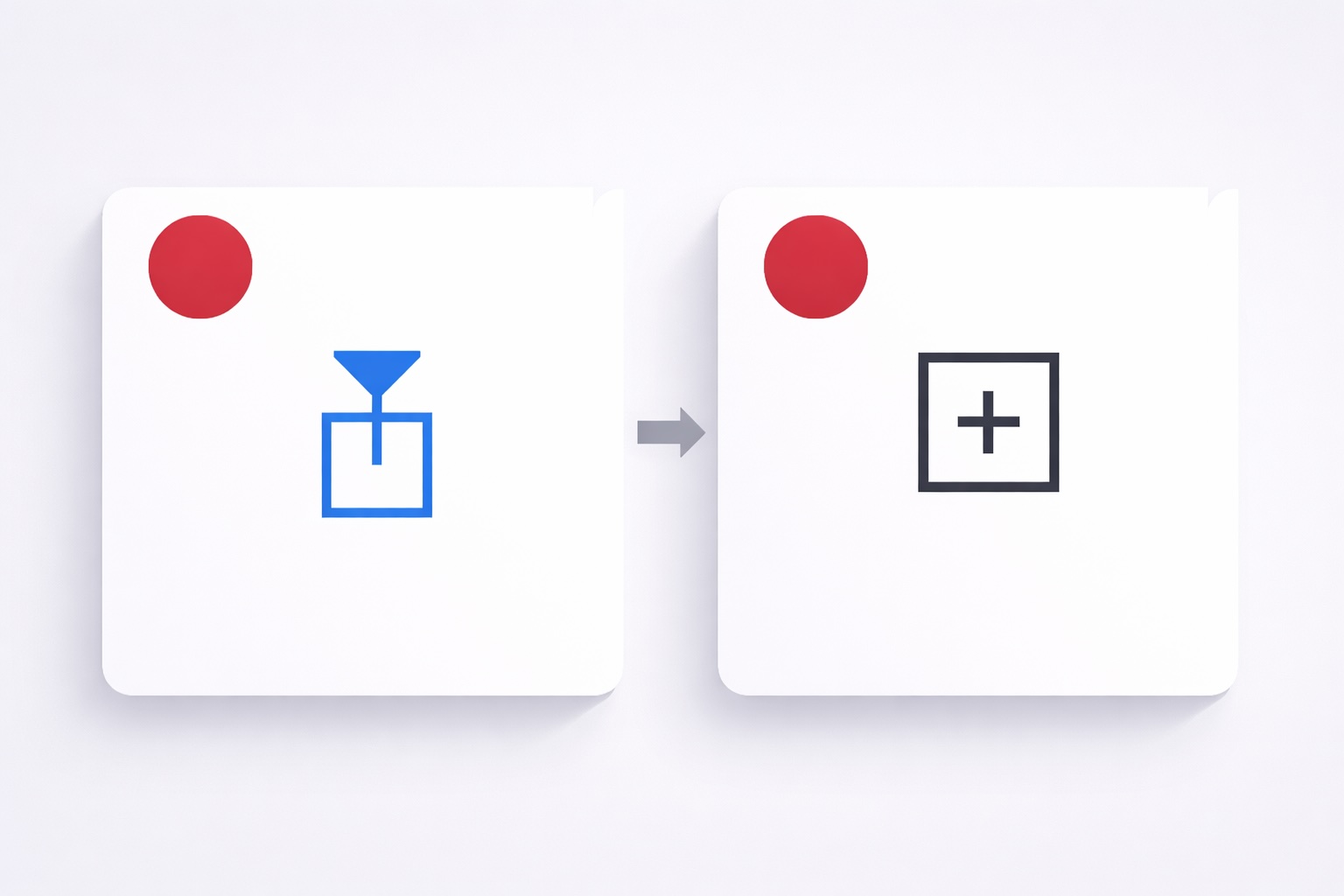
- Open poloniasocal.com in your browser
- Tap the Share button (box with arrow pointing up)
- Scroll down and tap "Add to Home Screen"
- Tap "Add" in the top right corner
- The Polonia SoCal icon will appear on your home screen!
HOW TO INSTALL ON ANDROID (Chrome)
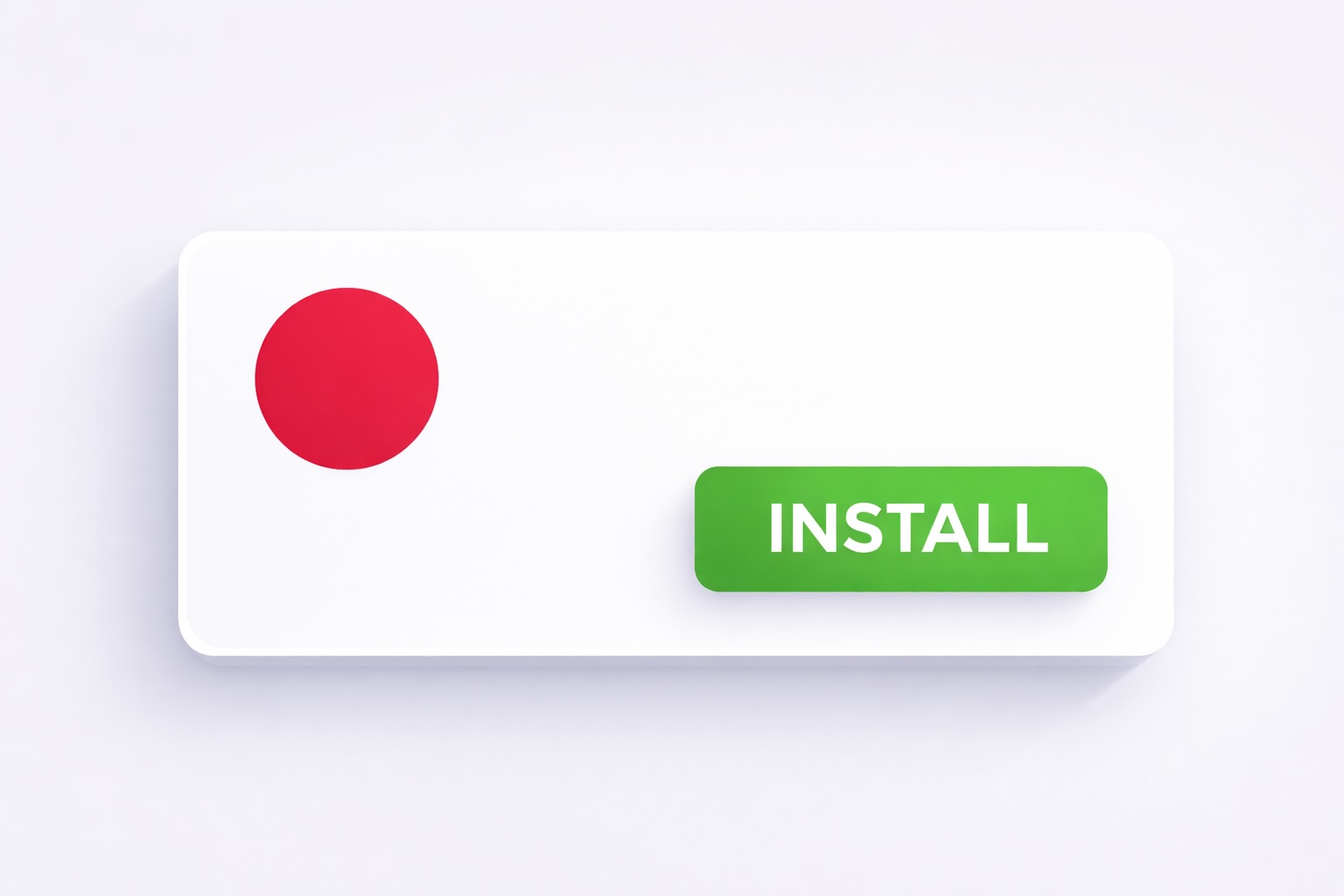
- Open poloniasocal.com in Chrome
- You'll see an "Install" popup at the bottom - tap "Install"
- If you don't see the popup, tap the three dots menu (⋮) and select "Install app" or "Add to Home Screen"
- The app is now on your home screen!
HOW TO INSTALL ON DESKTOP (Chrome, Edge)
- Open poloniasocal.com in your browser
- Look for the install icon (⊕) in the address bar on the right
- Click "Install" in the popup
- The app will open in its own window and create a shortcut
That's it! You now have Polonia SoCal at your fingertips. Stay connected with the Polish community in Southern California!
Questions? Contact us at info@poloniasocal.com
Comments